Visible cable organization
Improve an existing TV area with a cleaner route, suitable raceway, labelled connections and practical access to power, streaming devices, game systems and sound equipment.

Organize visible TV cables, plan concealed HDMI pathways, connect soundbars and receivers, add network cabling, and coordinate power near wall-mounted displays. The route is planned around wall construction, device locations, cable distance, access, equipment features and how easily the system should be changed later.
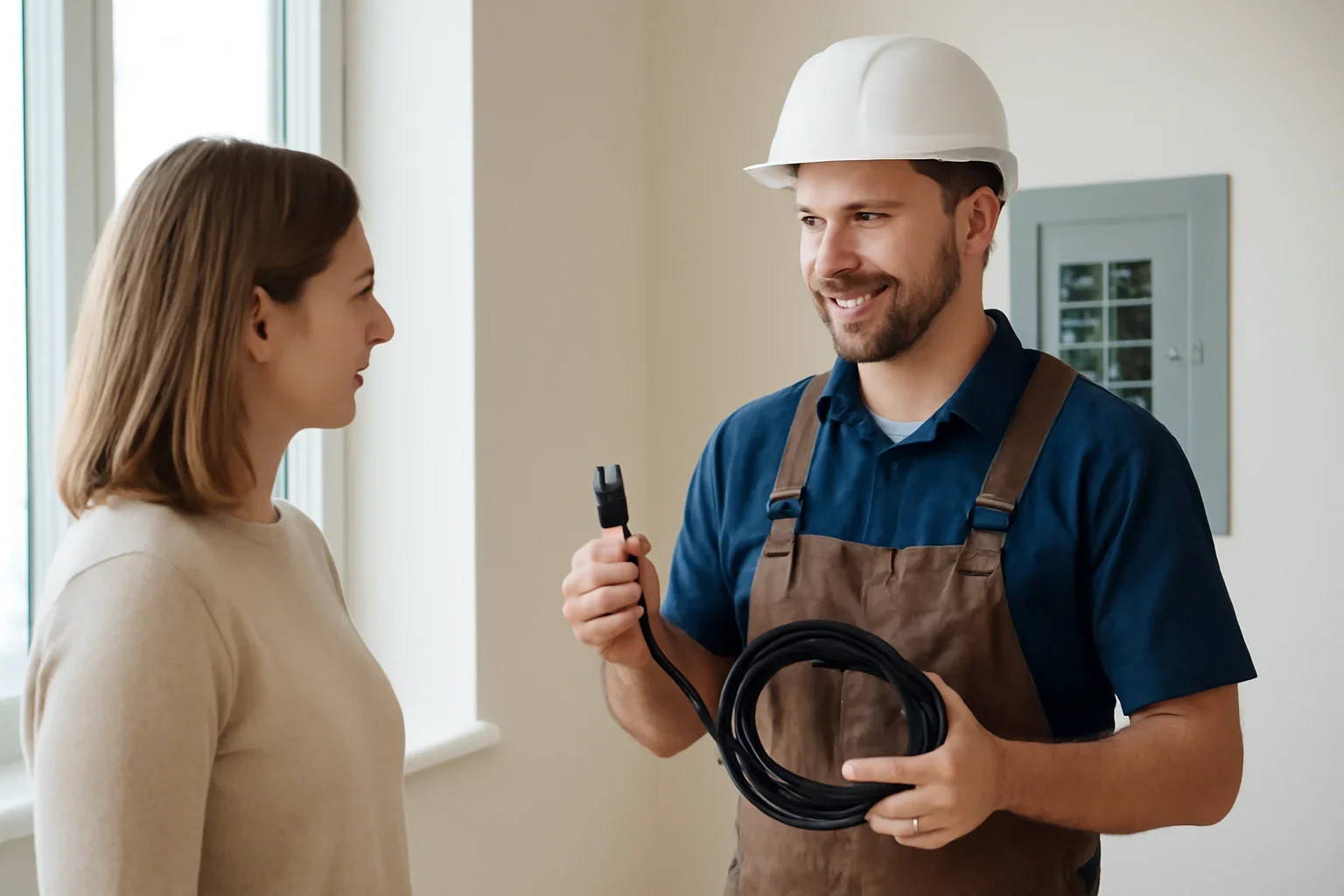
HDMI cable management can include surface raceways, concealed low-voltage pathways, wall plates, accessible equipment routes, soundbar or receiver connections, data cabling and coordination of an approved electrical receptacle near the display. A useful plan starts with the TV, source devices, audio system, cable distance and wall construction—not simply hiding the cable that happens to be visible.
A short HDMI connection behind a media cabinet is different from a finished-wall route, a projector run, a boardroom display or a TV connected to a receiver in another room. The signal path and future access should be decided before walls are opened.
Improve an existing TV area with a cleaner route, suitable raceway, labelled connections and practical access to power, streaming devices, game systems and sound equipment.
Plan a route through accessible wall or ceiling spaces with appropriate low-voltage materials, bend space, entry points and a realistic way to replace or add cables later.
Coordinate source devices, display inputs, soundbars, receivers and ARC or eARC connections so ports remain accessible and the finished system is easier to operate.
Review the full cable distance, required video format, equipment locations and service access before choosing a passive, active, optical or extension-based solution.
Add wired network connections for televisions, streaming devices, offices, access points and equipment locations where a stable data path is more useful than relying only on Wi-Fi.
Coordinate screens, control devices, network points, sensors and equipment locations when cable management is part of a broader connected-home plan.
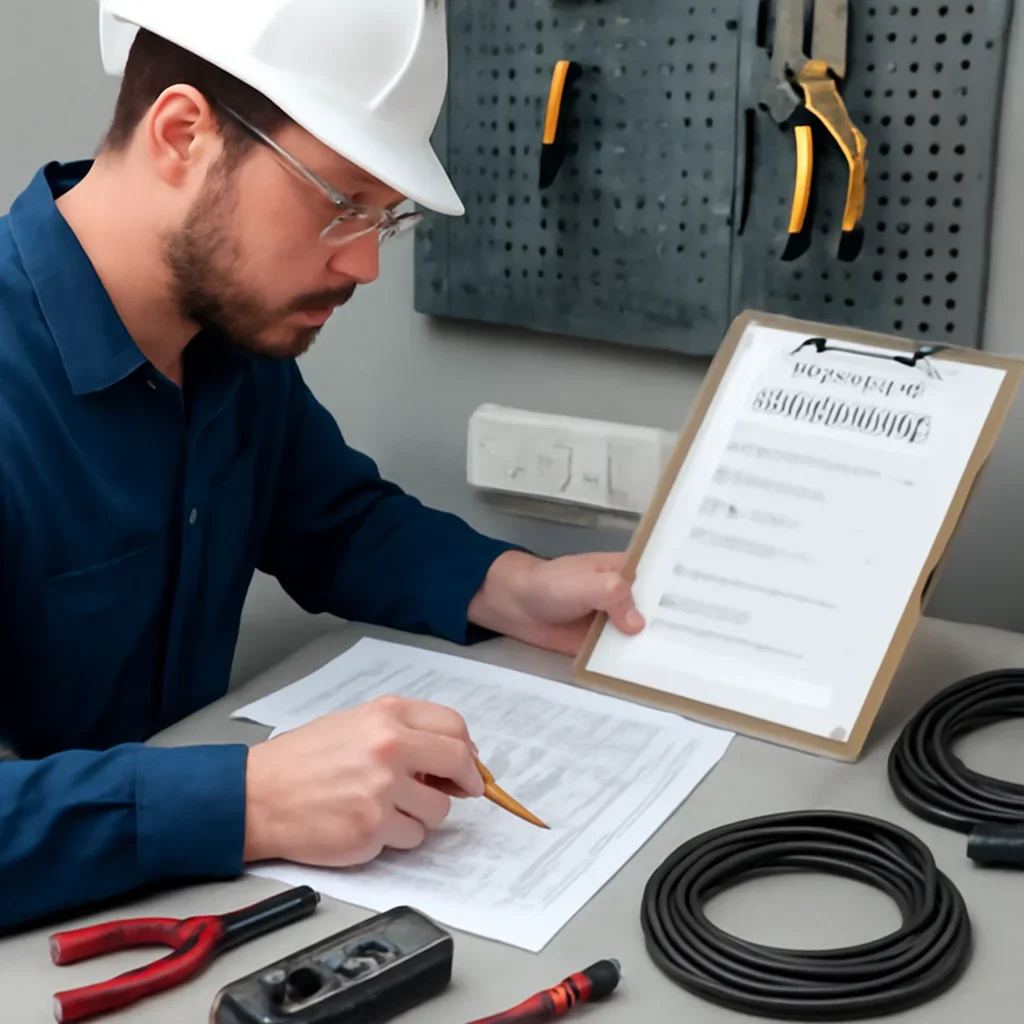
The display height, cabinet location, sound system and source devices determine where cables must begin and end. Planning those points first reduces exposed adapters, sharp cable bends, blocked ports and equipment that cannot be serviced without removing the TV.
For a more useful quote: send the Regina address, wide photos of both sides of the wall, TV and audio model numbers, the equipment location, wall type, basement or attic access, and whether power and data are already available near the display.
Regina properties include older plaster walls, finished basements, newer open-concept homes, condos with shared assemblies, detached offices and commercial tenant spaces. Each has different access, finishing and permission considerations.
Homes in Cathedral, Lakeview, Heritage, Douglas Park and other established areas may have plaster, blocking, past renovations or limited wall cavities that make a direct concealed route less predictable.
Basement media rooms can offer good ceiling or utility access, but insulated exterior walls, bulkheads, fireplaces and finished ceilings still affect the route and repair requirements.
Homes in Harbour Landing, Greens on Gardiner and newer developments often include large feature walls, fireplaces, built-ins and open layouts where equipment ventilation and service access should be planned with appearance.
Shared walls, fire-rated assemblies, concrete construction, building rules and limited access can affect whether a concealed route is appropriate or whether a surface solution is the better choice.
Desks, monitors, consoles, cameras and wired network equipment benefit from planned device locations and enough accessible pathways for future hardware changes.
Offices, restaurants, retail spaces and boardrooms may require longer routes, equipment racks, multiple displays, scheduled access and coordination with data, power and tenant-improvement work.
The finished installation should look clean, but it should also support the required picture, sound and network performance without trapping critical connections where they cannot be replaced.
List the display, audio equipment, source devices, network needs, desired control features and the cable endpoints that must remain accessible.
Check wall and ceiling construction, available access, obstacles, route length, equipment ventilation and whether electrical power work is part of the project.
Select the pathway, cable category, wall plates, access points and future-service approach based on the required signal and actual route.
Complete the approved route, protect and label connections, verify the intended video, audio and network functions, and review future access.
HDMI and data cables carry low-voltage signals. The television’s power supply is a separate electrical scope. When a wall-mounted TV needs power at the display, the appropriate solution is an approved electrical installation—not hiding a flexible extension cord or power strip inside the wall.
When a new receptacle is required near the display, review outlet and switch installation in Regina .
Electrical warning: stop using damaged power cords, overheated adapters, sparking receptacles or equipment with a burning smell. Keep people away, call 639-710-0400 and contact emergency services when there is an immediate fire or life-safety risk.


The cable must support the video, refresh rate, HDR, audio and control features used by the connected equipment. Long routes can require a different approach from a short connection behind the TV, and directional active or optical cables must be planned around source and display ends.
The same HDMI cable can be part of a simple living-room TV, a projector system, a gaming setup or a commercial presentation space. Device access and reliability expectations change with each use.
Coordinate the television, streaming devices, soundbar, receiver, console and cabinet so everyday controls and future equipment changes remain manageable.
Plan longer signal routes, ceiling access, receiver location, projector power, audio paths and a way to service the cable without disturbing finished surfaces.
Consider higher-bandwidth display needs, wired networking, monitor locations, docking equipment, consoles and the number of devices sharing the workspace.
Coordinate presentation inputs, equipment cabinets, network access, multiple displays, table connections, scheduled access and support for users who are not familiar with the system.
TSASK administers electrical permits, inspections and contractor licensing in Saskatchewan. HDMI or data routing alone is not the same scope as adding or altering electrical wiring. When the project includes a new receptacle, circuit work or broader renovation, the applicable electrical requirements should be confirmed from the actual scope.
Plan cable type, pathway, separation, wall plates, bend space, endpoint access and future replacement around the connected equipment.
Adding an approved power point or altering electrical wiring is a separate electrical scope that may involve permits and inspection.
Larger renovations, tenant improvements and changes to rated or shared assemblies can require additional coordination, approvals and finishing work.
Browse the complete Electrician Regina service directory when cable management is part of a larger lighting, outlet, renovation or commercial project.
Requests can be reviewed for homes, condos, basement media rooms, home offices, boardrooms, stores, restaurants and managed properties across Regina, White City, Emerald Park, Pilot Butte and nearby areas.
Coordinate HDMI pathways with receptacles, lighting, renovations, media rooms, offices and other residential electrical work.
Check coverage and share the property address, display location, equipment list, wall type and access details when requesting a quote.
Direct answers about concealed TV cables, in-wall routes, long HDMI runs, ARC and eARC, electrical power, quotes and future access.
Often, but the wall construction, cable type, route, bend space, obstacles and future access must be reviewed first. Plaster, insulation, blocking, fireplaces, concrete and shared building assemblies can change the recommended approach. A serviceable pathway may be preferable to permanently trapping one cable.
An ordinary flexible power cord or extension cord should not be treated as concealed building wiring. When a wall-mounted TV needs power at the display, the electrical scope should use an approved installation suitable for the property and applicable requirements.
Choose a certified cable that supports the signal required by the television, source device and connected ports. Resolution, refresh rate, HDR, gaming features and route length all matter. HDMI Licensing Administrator identifies Ultra High Speed HDMI cables as certified for configurations up to 48 Gbps.
Both can return television audio to a compatible soundbar or receiver through HDMI. eARC is the enhanced version and supports higher-bitrate audio formats when the connected equipment, ports, settings and cable path are compatible. The labelled ports on both devices should be confirmed.
Yes, but longer routes need planning around distance, signal requirements, bends, access and the equipment at both ends. An active, optical or extension-based solution may be more suitable than a long passive cable. Directional products must also be installed with the correct source and display orientation.
A wired data connection can be useful for televisions, streaming devices, game systems, offices and equipment cabinets where a stable network path is preferred. It can be planned at the same time as HDMI so the wall is not reopened later.
Simple visible cable organization may be discussed from clear photos and measurements. Concealed routes, fireplaces, finished ceilings, long runs, condos and projects involving electrical power usually require more information or an on-site review before an accurate scope can be prepared.
Plan accessible endpoints, enough pathway space, reasonable bends and a practical method for replacing or adding cables. The best solution depends on the wall and route; simply burying an extra cable does not guarantee compatibility with future equipment.
Send the Regina address, wide photos, TV and audio model numbers, source-device list, equipment location, wall type, route measurements, basement or attic access, desired features and whether power or wired data is already available near the display.
Share the address, display and audio models, source devices, equipment location, wall type, route distance, access photos and whether electrical power or network cabling is part of the project. The request can then be reviewed as visible cable organization, a concealed pathway, a long signal run or a broader media and automation project.