Lighting scenes, dimming, and schedules
Plan compatible smart switches, dimmers, fixture controls, occupancy behaviour, time-based scenes, and manual operation for kitchens, living areas, bedrooms, basements, entrances, and exteriors.

Plan smart switches, lighting scenes, occupancy and motion controls, timers, exterior devices, network-connected equipment, and future automation around the home’s wiring, neutral availability, device compatibility, Wi-Fi or hub coverage, room use, manual controls, internet-outage behaviour, privacy preferences, and renovation timing.

A home automation electrician can review and install compatible hardwired devices such as smart switches, dimmers, relays, sensors, timers, lighting controls, required electrical boxes, neutral conductors, power supplies, and related data or low-voltage pathways. App accounts, advanced network configuration, cloud integrations, and manufacturer-specific programming may require the homeowner, product support, an automation specialist, or an IT provider.
A useful smart-home plan begins with a clear problem: lights left on, difficult switch locations, dark entries, inconsistent schedules, weak device connectivity, or controls that are hard for guests and family members to understand.
Plan compatible smart switches, dimmers, fixture controls, occupancy behaviour, time-based scenes, and manual operation for kitchens, living areas, bedrooms, basements, entrances, and exteriors.
Review box depth, wiring condition, neutral availability, multi-location switching, connected load, device size, and whether the chosen control fits the circuit and daily use.
Use compatible controls for hallways, stairs, bathrooms, closets, garages, storage, entrances, exterior areas, and rooms where automatic shutoff or scheduled operation is useful.
Plan Ethernet, Wi-Fi access-point locations, central network equipment, PoE devices, and low-voltage pathways where reliable connectivity matters more than adding another wireless gadget.
Coordinate switch boxes, neutrals, data pathways, sensors, controls, cabinetry, framing, ceilings, and future spare conduits while walls are open and routes remain accessible.
Combine automation with lighting, outlets, renovation wiring, panel planning, troubleshooting, surge protection, garages, and other electrical work rather than treating each device in isolation.
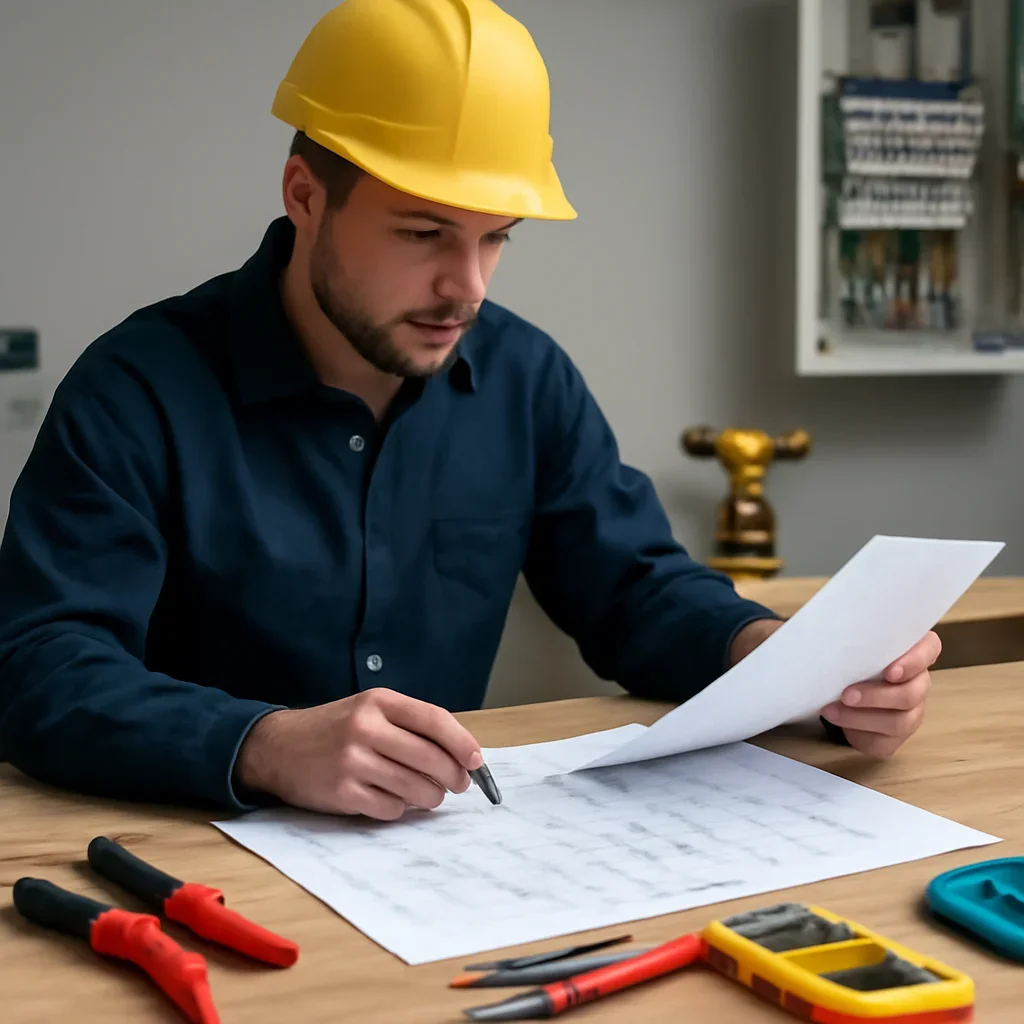
A device that works well inside the main house may be unreliable in a detached garage, exterior soffit, gate area, or cold entry if it is not intended for that environment or cannot maintain a stable network connection. Local planning should start with where the control will operate through the year.
Do not assume every smart device works with every home. Wiring, neutral requirements, load type, dimmer compatibility, Wi-Fi band, hub support, account region, app availability, device ecosystem, and environmental rating should be checked before purchase.
A stable system with understandable controls is usually more useful than a large mix of devices, apps, hubs, and subscriptions that no one can maintain.
Begin with a dark entrance, frequently forgotten exterior light, hard-to-reach switch, basement stairway, garage routine, or room where scheduling and occupancy control would provide a clear benefit.
Plan lighting scenes, dimmers, sensors, shades or compatible devices around a kitchen, media room, basement, bedroom, office, garage, or exterior living area.
Select a manageable ecosystem, central network and hub locations, consistent switch behaviour, guest-friendly manual controls, account ownership, documentation, and an expansion plan.
Electrical work can include device and circuit assessment, switch or relay installation, neutral and box requirements, power supplies, compatible hardwired controls, data pathways, troubleshooting, testing, and coordination with renovation or lighting work.
Account creation, passwords, cloud subscriptions, privacy settings, voice-assistant links, advanced routines, enterprise networking, remote-access security, vendor migrations, and product-specific programming may require the homeowner, manufacturer support, automation specialist, or IT provider.
Good planning reduces incompatible purchases, overcrowded switch boxes, weak connectivity, unclear app ownership, confusing scenes, and devices that stop being useful when the internet is unavailable.
Identify the room, current controls, desired result, people using the system, device ideas, manual-operation needs, network conditions, and renovation or move-in timing.
Check electrical boxes, neutrals, switching arrangement, connected loads, fixtures, available power, network or hub coverage, environmental conditions, and selected product requirements.
Agree on devices, wiring changes, data pathways, manual controls, app or hub setup, account owner, privacy choices, subscriptions, testing, and any vendor or IT coordination.
Complete approved electrical work, test physical controls as appropriate, label equipment, review normal manual operation, and document which digital setup or future expansion remains.
A smart-home quote is more useful when the request identifies the exact rooms, devices, current switches, network equipment, desired routines, and whether the walls are open or finished.
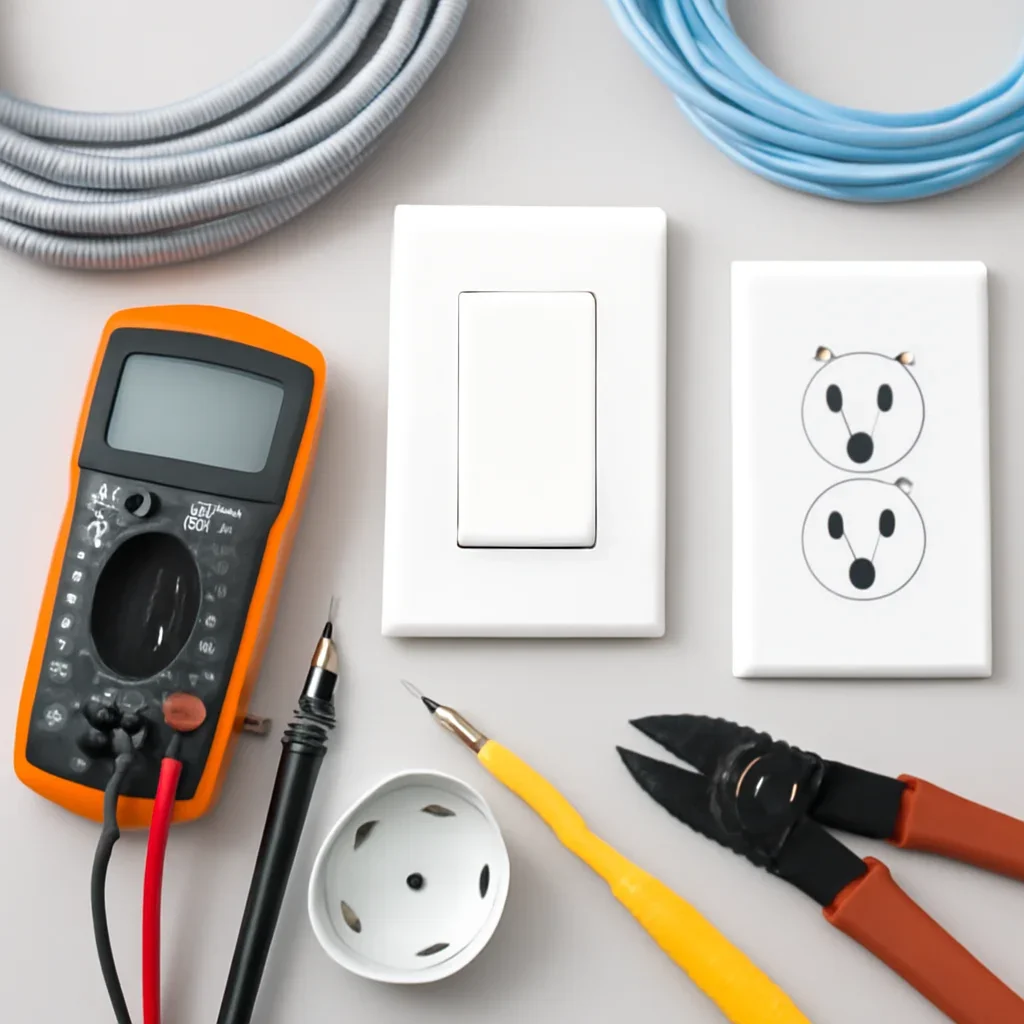
Wiring age, box depth, neutral availability, finished basements, renovation history, detached structures, network coverage, and exterior exposure usually matter more than the neighbourhood name alone.
Homes in Cathedral, Lakeview, Rosemont, Albert Park, Whitmore Park, and other established areas may have shallow boxes, older switch loops, finished plaster, additions, or prior wiring changes that require assessment before smart devices are selected.
Properties in Harbour Landing, Greens on Gardiner, Wascana View, and Northwest Regina may be adding smart lighting, finished-basement controls, cameras, access points, EV charging, garages, and outdoor routines.
Larger lots, attached or detached garages, shops, exterior entrances, driveways, gates, and longer wireless distances can require more deliberate power, data, hub, and access-point planning.
Review all Regina and nearby electrical service areas .

A trustworthy recommendation should explain the physical wiring, compatibility, network or hub dependence, manual controls, account ownership, privacy choices, subscriptions, outage behaviour, and who will support the system after installation.
Devices are chosen to solve a specific lighting, scheduling, access, convenience, or control problem rather than added for novelty.
Neutral availability, box depth, switching, load type, connected fixtures, device size, and environment are reviewed early.
Essential daily functions should remain understandable for family, guests, tenants, and service providers without requiring one phone.
Wi-Fi band, hub range, Ethernet, access points, internet dependence, local operation, and cloud service are not treated as interchangeable.
Account owner, passwords, household access, cameras, microphones, remote access, data sharing, subscriptions, and resale handoff are considered.
Device models, labels, hub location, circuit information, manuals, app ownership, and remaining configuration support later changes.
For devices that flicker, disconnect, trip breakers, overheat, or no longer operate correctly, review electrical troubleshooting in Regina . For property-wide equipment protection, review surge-protection planning .
Practical answers about neutral wires, smart switches, Wi-Fi, internet outages, older homes, detached garages, device ecosystems, privacy, quotes, and local service coverage.
Many smart switches require a neutral conductor, but requirements vary by product and circuit. The switch box, wiring method, connected load, multi-location arrangement, and device instructions should be checked before equipment is purchased or installed.
Sometimes. Older homes may have shallow boxes, older switch loops, limited neutrals, mixed wiring from previous renovations, or finished surfaces that make changes more involved. The existing wiring and device requirements should be assessed first.
It depends on the device and system design. Some physical switches continue to operate locally while app, voice, cloud, or remote features stop. Other routines may depend on a hub, internet connection, account service, or vendor cloud. Manual operation should be confirmed before selection.
It may be possible, but power, device temperature rating, moisture, Wi-Fi or hub range, building materials, distance, data pathways, surge differences, and reliable manual operation must be reviewed. A wired access point or other network strategy may be useful.
A consistent ecosystem can simplify apps, routines, support, and household use, but compatibility should still be checked device by device. Consider local control, hub requirements, subscriptions, privacy, manual operation, vendor support, and what happens if a product line is discontinued.
The electrical scope can include compatible device installation and basic physical testing. Account creation, passwords, voice assistant linking, cloud subscriptions, advanced scenes, remote access, and product-specific programming may require the homeowner, manufacturer, automation specialist, or IT provider.
Preserve understandable wall controls, use consistent switch behaviour and names, avoid essential functions that require one person’s phone, document hubs and devices, and provide simple manual options for lighting, entrances, bedrooms, bathrooms, and common areas.
Share room and device photos, product links and model numbers, current switches, the load being controlled, desired routines, router or hub location, internet-outage expectations, renovation timing, and whether the device will be indoors, outdoors, or in a garage.
Requests are reviewed across Regina neighbourhoods and listed nearby communities, including White City, Emerald Park, and Pilot Butte. Scope and scheduling depend on the property, selected devices, wiring, network conditions, access, and required coordination.
Gather photos of the existing controls, device links or model numbers, the room and load involved, your desired routine, router or hub location, manual-operation needs, and project timing. Call to discuss whether the next step is a wiring review, data pathway, device installation, troubleshooting visit, or renovation plan.